
As an Amazon Associate I earn from qualifying purchases.
When you sit down to play your digital piano, you expect the beautiful harmony of perfectly pitched notes to flow seamlessly from your fingertips. Unlike acoustic pianos, which require tuning due to the natural stretch and contraction of their strings, digital pianos generate sound electronically.
The notes you hear are actually digital recordings, which are engineered to represent the pitch of each note accurately at a fixed frequency, typically the standard A=440 Hz. So, the idea of a digital piano being out of tune might seem unusual at first glance.
Want to Learn Piano?Click Here
However, despite their technological advancements, digital pianos aren’t immune to pitch issues. Your digital piano’s pitch may seem off for various reasons, including a change in the overall tuning setting or a detuning effect applied to specific notes. These alterations can happen intentionally by user input or inadvertently through software glitches or electrical issues.
In situations where the sound of your digital piano seems out of tune, the most straightforward solution is often found in the instrument’s settings. You can usually adjust the pitch back to the standard frequency, or if necessary, carry out a factory reset as a fix for any unintended changes. This ensures that the digital samples are played back at their intended pitch, keeping your music in perfect harmony.
Possible Causes Of Digital Pianos Going Out Of Tune
When your digital piano doesn’t sound quite right, it might feel like it’s out of tune. Digital pianos use software and sound samples, so they don’t go out of tune like acoustic pianos, but they can still have pitch issues. Let’s explore a common cause related to software settings.
Adjusting Your Digital Piano To Other Frequencies
Your digital piano, like any sophisticated electronic device, relies on software to generate sound. Sometimes, you might unknowingly adjust the pitch of your piano through a setting called ‘transpose.’ Transposing changes the key of the piano, resulting in a shift in pitch that may seem like the piano is out of tune. Additionally, firmware updates or corrupted software can lead to pitch issues, making your piano sound off.
Remember that regular checks on your piano’s settings can prevent any unexpected changes in pitch. If you suspect a software issue, a factory reset can revert settings back to their original state, often resolving any pitch discrepancies.
Testing The Tuning Of Your Digital Piano
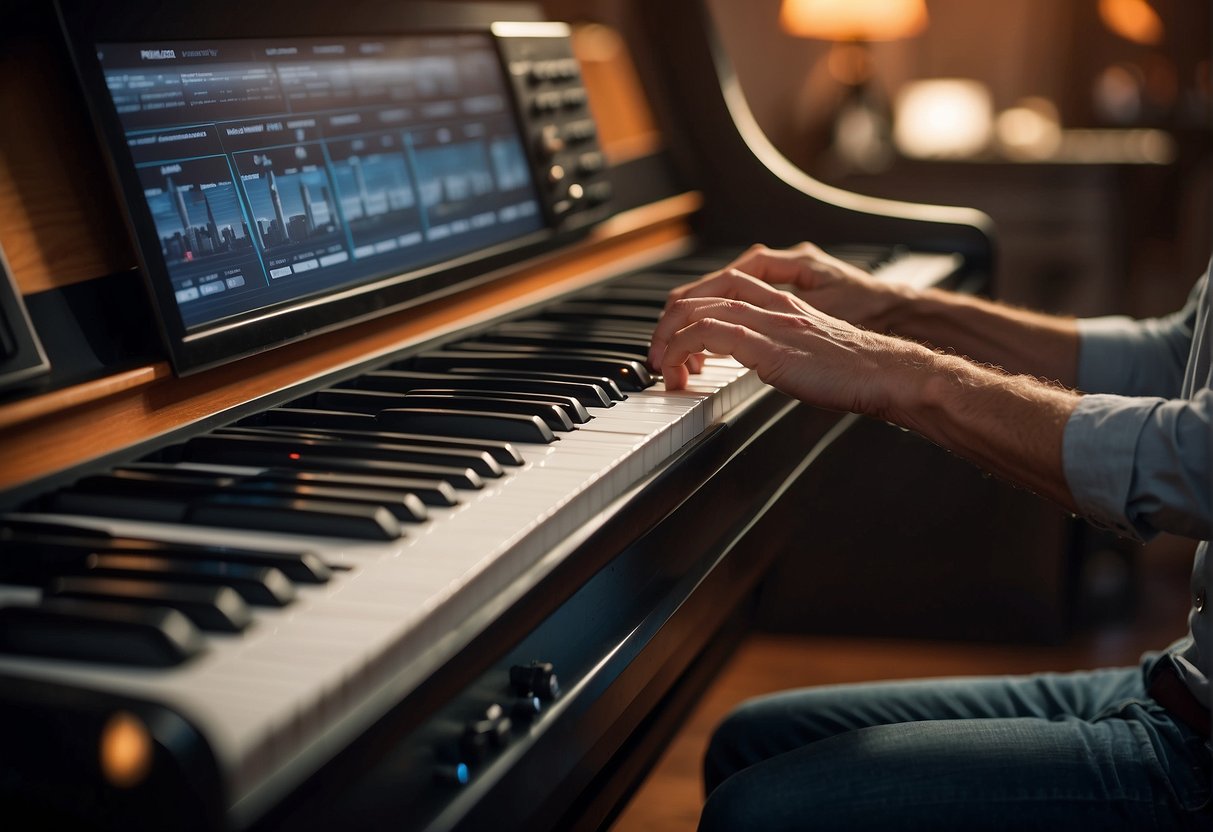
When you’re wondering if your digital piano is properly tuned, the first step is simple. Grab your smartphone and download a tuning app. Many of these apps are available for free and are user-friendly. A popular choice among musicians is insTuner, which is renowned for its accuracy and ease of use.
Here’s how to check the tuning:
- Open your tuning app.
- Place your phone close to your digital piano’s speakers.
- Play a note on your piano; let’s start with the note “A.”
- Observe the tuning bar on the app, checking if it aligns with the standard A4 = 440 Hz.
Remember that your piano should be internally coherent in tuning. This means each “A” across the keyboard should match in tune, regardless of the octave. If there’s a discrepancy, it might indicate an issue.
It’s normal for extreme high or low notes to slightly deviate, sounding a tad sharp or flat. However, any mid-range discrepancies warrant attention. If you detect such tuning problems, professional help might be necessary. Don’t hesitate to contact a reliable repair shop to look into the issue.
Using a tuning app, you can quickly and efficiently ensure that your digital piano is harmonious and ready for a seamless playing experience. Keep enjoying the music with the confidence that each note sounds just right!
How to Fix a Digital Piano that is Out of Tune
If your digital piano doesn’t sound quite right, it may be experiencing tuning issues. This section will guide you through diagnosing sound problems, making precise adjustments to the pitch and calibration, and determining when it’s time to consult a professional.
Diagnosing Sound Problems
First, identify whether your digital piano is actually out of tune. Play each key and listen for any notes that seem off. If notes don’t match the standard tuning pitch of 440 Hz, your digital piano’s internal calibration might have been altered.
Check if the transpose function has been engaged accidentally, which would shift the pitch up or down by semitones.
Adjusting Pitch and Calibration
For pitch adjustments, most digital pianos allow you to tweak the tuning in small increments, often measured in hertz (Hz). For instance, if you’re trying to achieve the standard A440 tuning, you’ll adjust the reference pitch to 440 Hz.
You might also use a tuning app like instuner to match the sound of your piano to a reference pitch. If general settings have gone awry, some models permit a “factory reset” to return to out-of-box tuning settings.
When to Consult a Professional
If these do-it-yourself methods don’t resolve your tuning issues, or if you’re uncomfortable attempting them, it’s advisable to reach out to a repair shop. Professional technicians have the right tools and experience to diagnose and fix any underlying issues that might not be apparent at first glance.
Performing A Factory Reset On Your Digital Piano
Sometimes your digital piano might not sound quite right, and a simple solution to this could be performing a factory reset. This process restores the piano’s settings to their original state, which can often solve the issue of it sounding out of tune. Here’s how to do it:
- Step 1: Power off your digital piano.
- Step 2: Locate the highest white key on your keyboard. If you have a standard 88-key piano, this will be the top C. If your keyboard is smaller, the key may vary.

- Step 3: Press and hold the identified key.
- Step 4: While holding the key, turn your digital piano back on.
- Step 5: Keep holding the key down for an additional three seconds after the piano powers up.
After these steps, your digital piano should be reset to factory settings. If by chance this doesn’t correct the pitch issue, don’t worry. It’s a good idea to contact your local music store or the digital piano’s manufacturer for further assistance. Remember, there’s no harm in asking for help if you need it!

Hello & thanks for stopping by! I’m a professional concert pianist and piano instructor. In the United States, I’ve given successful performances in several places including New York, Florida, Connecticut, & New Jersey, I have also performed internationally in Italy and made my Carnegie Hall debut in 2014. I enjoy blogging about the piano, the art of performance, general music, current events and the latest in music production.