
As an Amazon Associate I earn from qualifying purchases.
Shifting music lessons to a virtual environment can be challenging, especially for hands-on subjects like piano. However, with platforms like Zoom, teaching piano online has become an effective and viable alternative.
As a teacher, you’ll find that Zoom’s features can help create a seamless learning experience for your students. Whether you’re dealing with technical exercises, pieces, or musical theory, the visual and auditory components of the platform can make your lessons engaging and productive.
Want to Learn Piano?Click Here
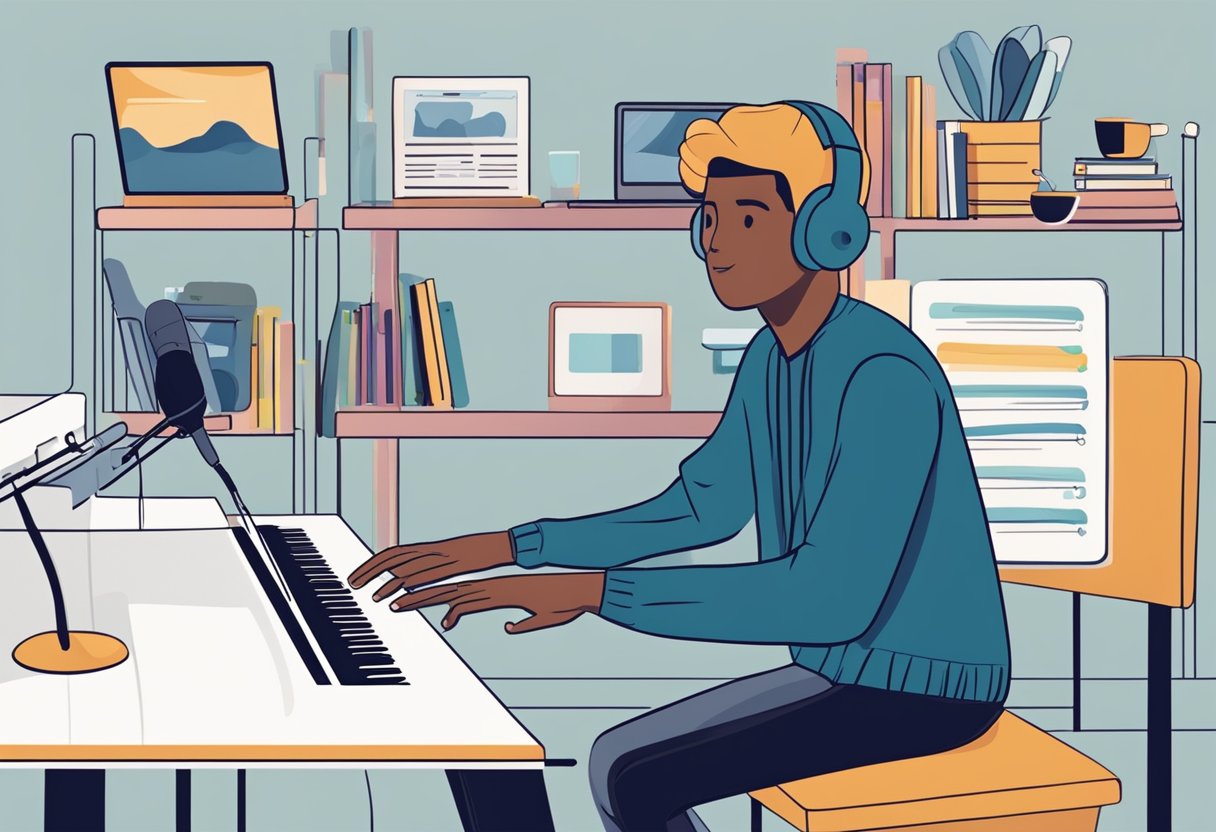
One essential aspect to get right is the setup of your equipment; a well-placed camera can make all the difference in providing clear views of the keys and your hand positions. For instance, I remember when I first transitioned my piano teaching to Zoom, I attached my phone to a selfie stick and positioned it over the keyboard.
This vantage point allowed my student to see both my face and hands in action, facilitating better instruction and mimicry. It’s important for students to have a multi-angle view—you want them to feel as though they’re right there beside you.
Balancing the sound quality for music lessons is also critical. Zoom has settings that can optimize audio for musical instruments, so taking the time to adjust these can significantly improve the class experience.
Remember, teaching online doesn’t mean you compromise on quality. With the right tools and knowledge, Zoom can help you maintain the high standards your students expect from their piano lessons.
Setting Up Your Digital Classroom

Establishing a digital classroom for online piano lessons requires careful attention to detail. The right equipment and settings are crucial to provide a high-quality instructional experience.
Choosing the Right Equipment
To ensure a smooth teaching experience, it’s key to select the right equipment. Camera: A high-quality webcam or a built-in camera in your laptop or tablet can suffice.
The Logitech C920 is a popular choice among educators for its clarity and price point. Microphone: A dedicated microphone can greatly improve audio quality for your students; even a simple USB microphone can do wonders.
Lighting: Soft, natural light is best, but if you’re teaching in the evening, LED lamps with diffusers can prevent harsh shadows on your face or hands.
Installing Zoom and Preparing Your Device
Before your first lesson, you need to install Zoom and set it up on your preferred device. Whether you’re using a computer, laptop, smartphone, or tablet, ensure that the Zoom app is updated to the latest version.
Zoom pushes a ton of updates, so you need to be careful about starting your meeting room around 15 minutes early to account for this.
Next, log in with your account, and familiarize yourself with the interface. Remember, a wired internet connection using an Ethernet cable can enhance your connection stability, compared to Wi-Fi.
Optimizing Audio and Video Settings
In the Zoom app, dive into the audio settings and enable ‘Use Original Sound’ to preserve the quality of your piano’s audio. Consider turning on the ‘High fidelity music mode’ if your internet speed supports it. For the video settings, ensure that your camera is positioned to clearly show both your face and the piano keys.
Test the video feed to adjust for any lighting issues. Adjust the frame rate and resolution for a smooth visual experience without lag, keeping in mind the balance with your internet’s bandwidth capabilities.
In your quest to set up the perfect digital classroom, imagine this scenario: You’re about five minutes from starting your first online piano lesson. Your Logitech webcam is perched just above the music rest, giving a clear view of the keys.
The USB microphone is positioned to catch the full range of sound from the piano. You’ve already tested the ‘High fidelity music mode’ in Zoom and the lighting is spot on—not a shadow on the keys.
You feel confident that your set-up looks professional and will provide an excellent learning experience for your student. It’s showtime!
Conducting Successful Online Piano Lessons
To harness the full potential of Zoom for online piano lessons, you’ll need a game plan for lesson structure, ways to foster interaction, and must know how to leverage Zoom’s features to your advantage.
Think of Zoom as your virtual classroom — it’s your space to create a learning experience that’s as close to in-person as possible.
Lesson Planning and Structure
When you plan your piano lessons on Zoom, each minute counts. Start by creating a lesson agenda that includes scales, pieces, and theory to keep your lessons focused.
Always begin with a warm-up to ease into the session — perhaps a series of scales or simple exercises to get the fingers moving. Then, advance to repertoire or new material. Use shareable documents with notated music or technique exercises that you can walk through together with your student. Remember, a well-structured lesson is a roadmap for success.
Example: Think about that student who struggles with rhythm. You could spend the first 10 minutes of your online lesson clapping and counting out loud through tricky passages, using the Zoom’s whiteboard feature to visually highlight the rhythms.
Creating an Interactive Learning Environment
Engagement is key in an online setting. Entice your students by making your lessons interactive. Use tools like the Zoom Annotate feature on shared screens to mark up music sheets in real-time. Encourage your student to ask questions and express themselves, fostering a conversational atmosphere.
If appropriate, you can even set up an extra camera focusing on your piano keys to demonstrate techniques, which can make a world of difference in visual learning.
I personally like to use a microphone arm, and then attach a webcam to that. This way I can get a direct overhead view, and also have my laptop webcam running at the same time. It works like a charm!
Using Zoom Features Effectively
Zoom is equipped with features that are conducive to live online piano lessons. Familiarize yourself with the Waiting Room feature to control when a student joins the lesson, ensuring privacy and a timely start.
Use the Meeting ID wisely — schedule recurring meetings for regular lessons to keep things simple. During the lesson, utilize Screen Sharing for music theory applications or videos, which brings a rich multimedia aspect to your lessons.
Enhancing the Student Experience
A seamless online lesson involves more than just pressing “Start Meeting” on Zoom. To truly elevate the student’s learning journey, a teacher must create a connection and smoothly navigate any technical hiccups that may arise.
Building a Relationship with Students Online
Building a strong rapport with your students online is crucial. Remember, the small cues that work in person will need to be adapted for the virtual environment.
For example, keeping your camera at eye level will simulate direct eye contact, making students feel more engaged. Additionally, start each lesson by asking how they’re doing or sharing a fun fact about the piano.
I find this all really helps the lesson feel less robotic, and like the student is there with you in person.
Managing Technical Issues During Lessons
Technical difficulties are bound to occur during online lessons; the key is managing them without disrupting the flow of teaching. First, ensure both you and your student have a stable internet connection and any necessary backups, like a phone with the Zoom app, as a plan B.
Secondly, talk through the setup. Students should have their microphone positioned close enough to pick up their voice clearly, but far enough to avoid distortion from the piano.
In the event of an audio or video freeze, establish an immediate text communication method, such as the chat function in Zoom, to continue the lesson smoothly or resolve the issue. I can’t tell you how many times that chat feature has saved a lesson from going off the rails.
Remember, it’s not just about having the lessons online but creating an inviting learning space. I once had a student who struggled with the delay in audio, which threw off the timing. After we switched to wired headphones instead of Bluetooth earphones, the latency issue was resolved, leading to much more productive sessions.
This small change made a significant impact on our lessons’ success, and it’s the kind of practical solution that really enhances the online learning experience. If you havn’t given Zoom a try yet with piano lessons, then what are you waiting for? Get to it!

Hello & thanks for stopping by! I’m a professional concert pianist and piano instructor. In the United States, I’ve given successful performances in several places including New York, Florida, Connecticut, & New Jersey, I have also performed internationally in Italy and made my Carnegie Hall debut in 2014. I enjoy blogging about the piano, the art of performance, general music, current events and the latest in music production.